
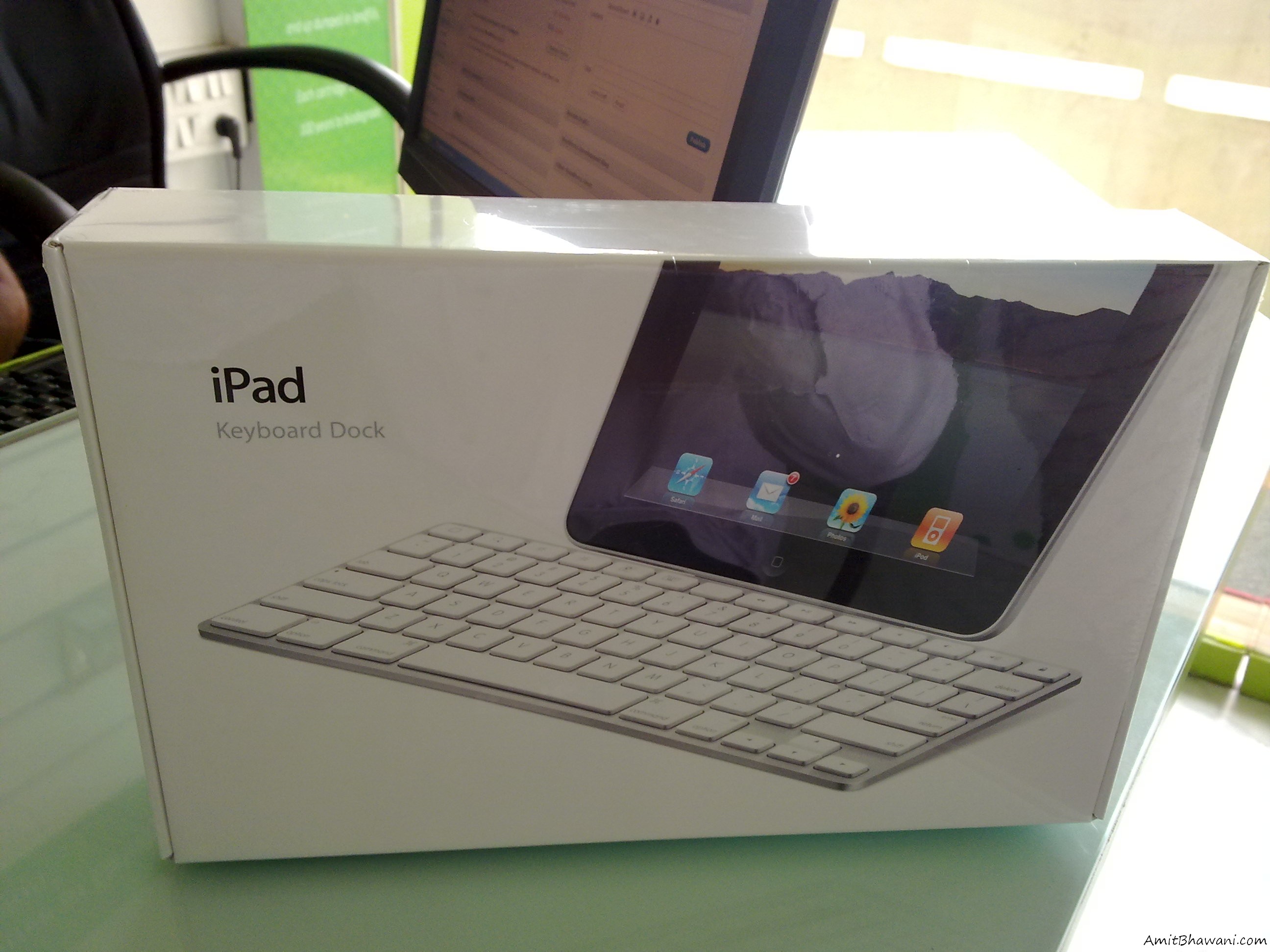
 We just got another shipment which had the Keyboard dock for the Apple iPad which is actually a accessory many iPad users normally buy because it seems like a useful product. We found many uses as well as problems with this dock which we will be mentioning in the form of points below.
The Good :
- The keyboard dock comes with the power cable connectivity feature because of which you can always charge the ipad while its docked in and connected to the power.
- The base of the dock is quite strong which makes sure that the iPad won’t balance out and fall because the Dock’s based is connected with the keyboard’s bottom which is quite heavy.
- The keyboard is made of unibody aluminum, hence its rigid and strong and seems like it won’t break if it’s dropped from your computers table.
- The shortcut buttons on the keyboard are really amazing because they give you direct access to the Search box, iPad home screen, Lock/unlock the device, Increase or Decrease the volume, start the slideshow, Increase or decrease the display brightness etc.
The Bad :
- The dock allows you to connect to the iPad only in the Portrait mode, hence all the apps which you wish to access can be run when the ipad is in portrait mode and not in the Landscape mode. This actually makes it very hard to even browse websites or even check your emails because ipad works best in landscape mode only.
- The dock when connected keeps the display very close to the screen makings to have the iPad too close to our eyes, hence not suitable if you are planning to have a instant messaging or a tweeting session.
- The keyboard dock is quite heavy when compared to the iPad, hence it’s not suitable to take it anywhere the way you can move around with the iPad like carrying a book.
- There are a few buttons on the keyboard which seem to be totally useless as they would be rarely used and still available like the Command Button * 2, Alt Button * 2, Shift Button * 2 etc all of which are useless and it would have been better if these were removed and replaced with a small trackpad so that the Ipad users could have a pointer on the screen.
Hope the above listed points can give you a real idea of the accessory and would even help you in making a choice whether you should buy this or not. In my personal view its not useful because very less apps actually work with this like the Notes, any other text editing apps. Also while you are in the browser you need to tap on the address bar and then use the keyboard to enter the URL, actually wasting more time because the inbuilt Virtual Keyboard is also quite useful when compared to this one. Also don’t forget that this costs around 75$ and is not worth the money.
Keyboard Dock Photos :


Amit why dont you create a video for it..? creating images and also not watermarking it – i think if you have the stuff make a video for it… you will get traffic from both sides… from youtube as well.
Do let me know if you need voice over… 😉 i have done some voice over too…
The idea sounds good, but the problem is voice. Will try to create a video for this and then publish it.