
 Finally after months of wait, Google Chrome team has come out with the Extensions which was the only stuff because of which many webmasters were not moving from Firefox. Firefox mainly survives because of the different Add-ons / Extensions and now Google Chrome supporting this would mean that the market share is going to boost in the year 2010. In order to get started you need to first download Google Chrome from the beta website. Currently iam running a 4.x version but the Beta version is required to be installed because that would support all the latest updates and upcoming features.
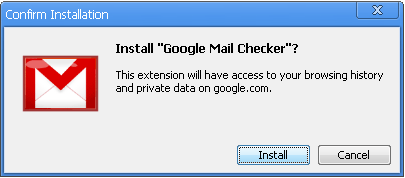
We had previously written few articles like Google Chrome Bookmarks Manager, Google Chrome Extensions & Check Page Rank Extension. You will find a Install button when you visit the detail page of any extention. Once you click on it the extension will be download to your computer and you will be asked to Confirm Installation.

Once you complete this, you will get the following confirmation box.
Thats it, you have successfully completed installation of a Google Chrome Extension and very same way you can find more extensions at the official website and install them.

Google is the best!!!