
If you get a huge number of comments or trackbacks every day and if its hard for you to login to the WordPress dashboard every few minutes, then its going to be a hectic task. Hence here is a better solution where in you can download a Desktop Client which would allow you to easily moderate comments without the need to run the browser and login to your blog.
Called as the Moderator, it is a WordPress based plugin which you need to install on your blog and then after the activation of the same you would get access to the desktop client. You can download the plugin here. Once the installation is completed and its activated you will have to access the settings page at /wp-admin/options-general.php?page=moderator/moderator.php
Next the Desktop Client would be available for download. Click on the Install Now button. Click on the badge below to install. This application makes use of the Adobe AIR runtime. If you do not already have Adobe AIR installed, the badge will install it for you.
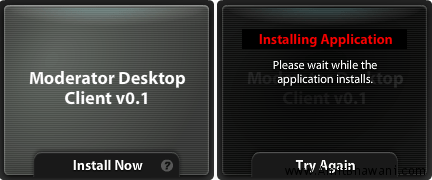
The application would ask you to Open or Save where in you need to select the Open option following which you would be asked to confirm the installation because the application is from an unknown publisher. Once the installation is completed you would be shown with the following interface. We are going to be using this to moderate the answers we receive at Answers Next Q&A Community.
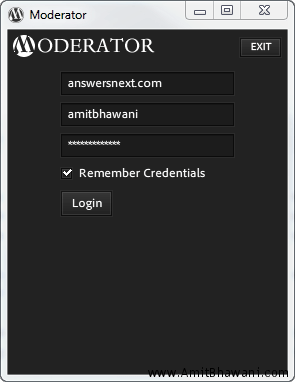
Features :
- Viewing unmoderated comments.
- Dock and system tray notifications of the number of unmoderated comments.
- Accept, delete, and spam comments from within the desktop client.
- Close application window, or minimize it to the system tray while running.
- Shows the Gravatar icons for the user who posted the comment.
Once the client finds a unmoderated comment, it would give you three options like Accept, Spam or Delete which based on your requirements you can proceed and manage all your comments easily.
